

Status badges and health checks
In the admin: Dashboard, open an app, then Badge.
A badge is the small pill on an app tile. Each app can have three kinds.
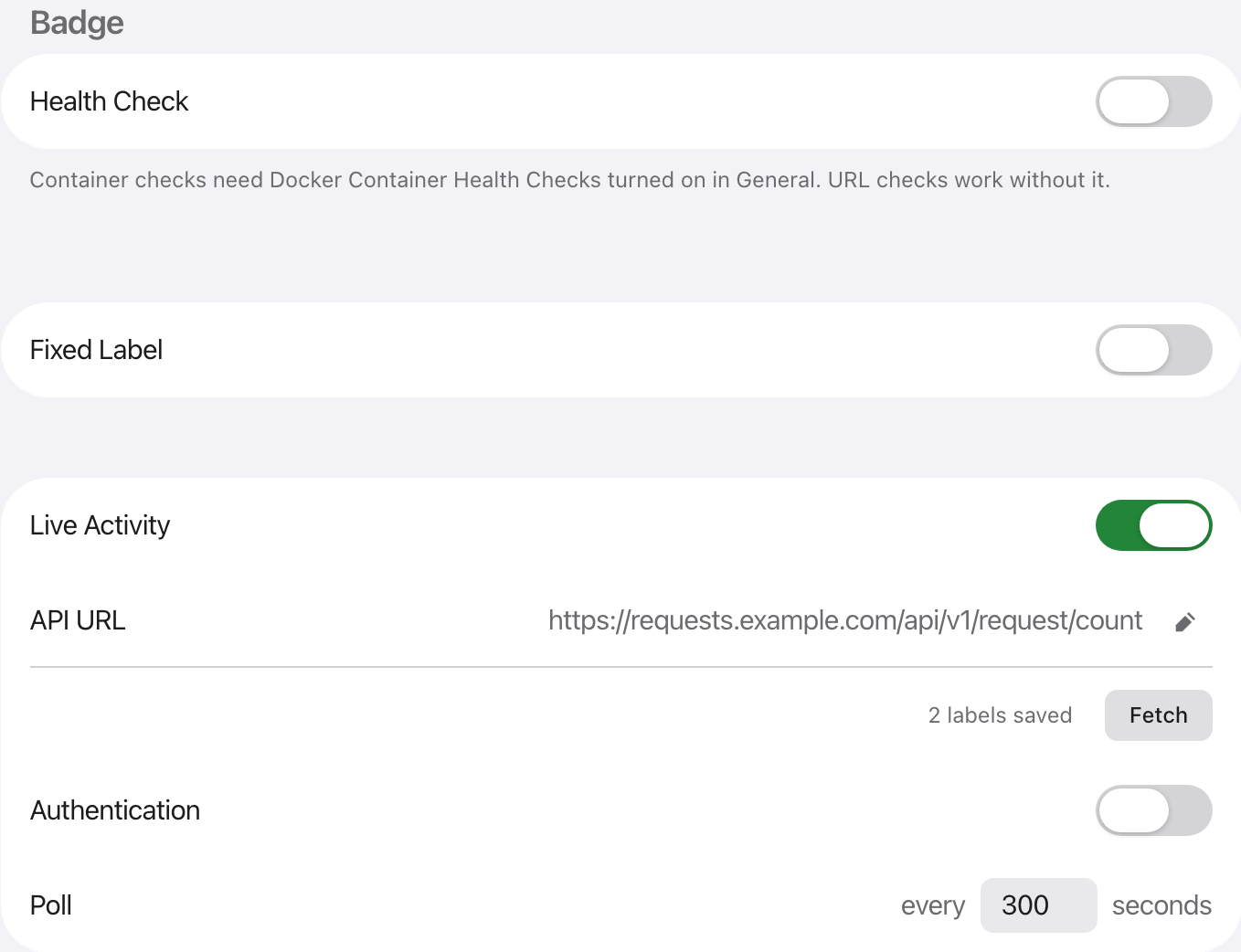
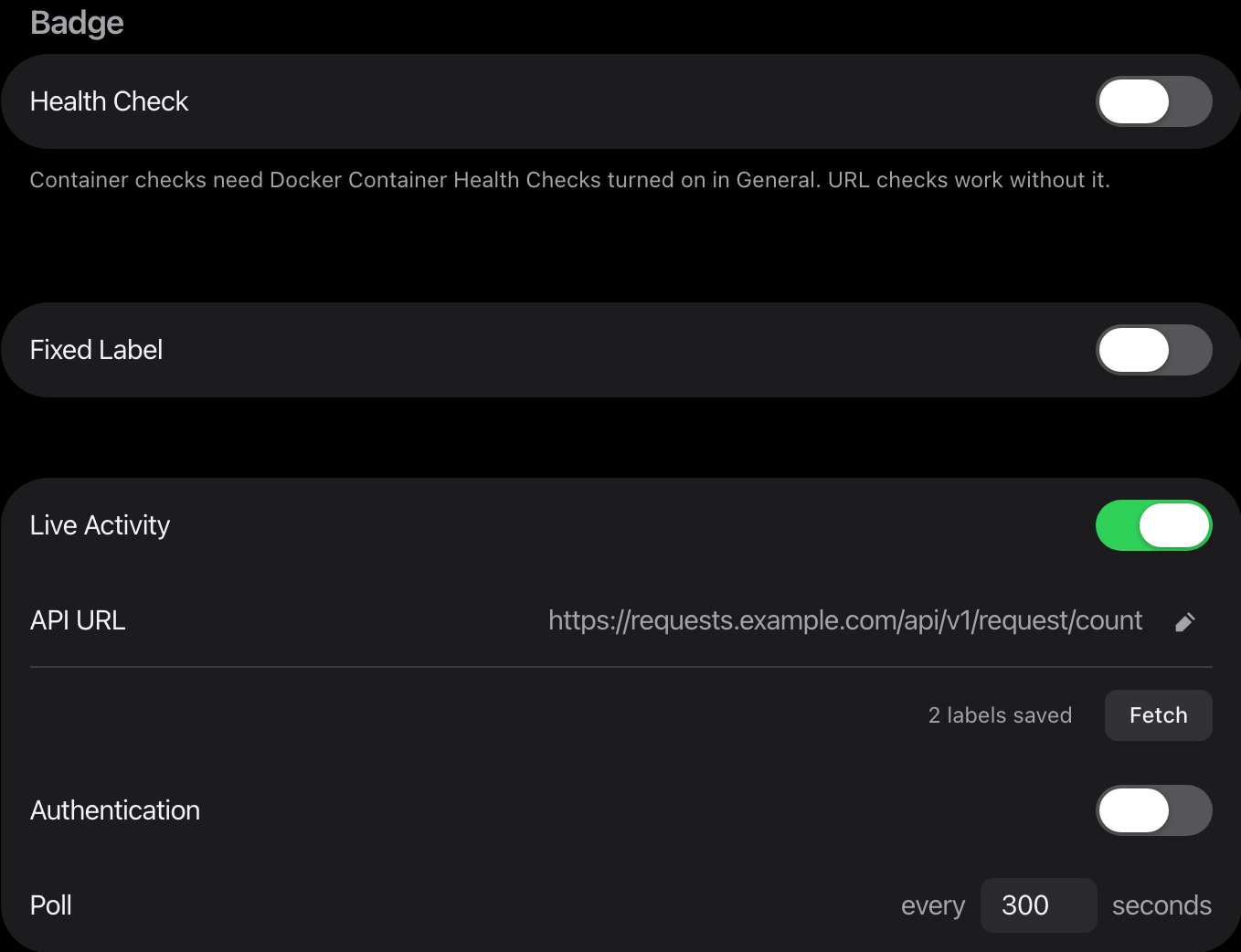
Health check
Section titled “Health check”Shows whether the service is up.
- Ping reads the HTTP status of a URL.
- Container reads the container state from Docker. It needs a socket proxy such as docker-socket-proxy, its address in
SOCKET_PROXY_URL, and Docker Container Health Checks on in General. Never mount the Docker socket into Stackyard.
A problem shows a red !. Hover it for the reason. Turn on Hide Healthy Badge in General to hide the green state.
Fixed label
Section titled “Fixed label”Up to 10 characters of text, in a colour you pick.
Badge colours are Accent, Success, Warning, Danger and Info. Each is drawn for the display mode it is shown in. The colour wheel opens the system colours and a colour code for anything else.
Live activity
Section titled “Live activity”A number from any API. Enter the API URL, add a header if the API needs a key, and press Fetch. Stackyard lists every number in the response. Pick one.
Tick Secret on a header to keep its value on the server. Poll sets how often it reads, in seconds.
More than one value
Section titled “More than one value”One API can feed up to five values. Press Add Label for each.
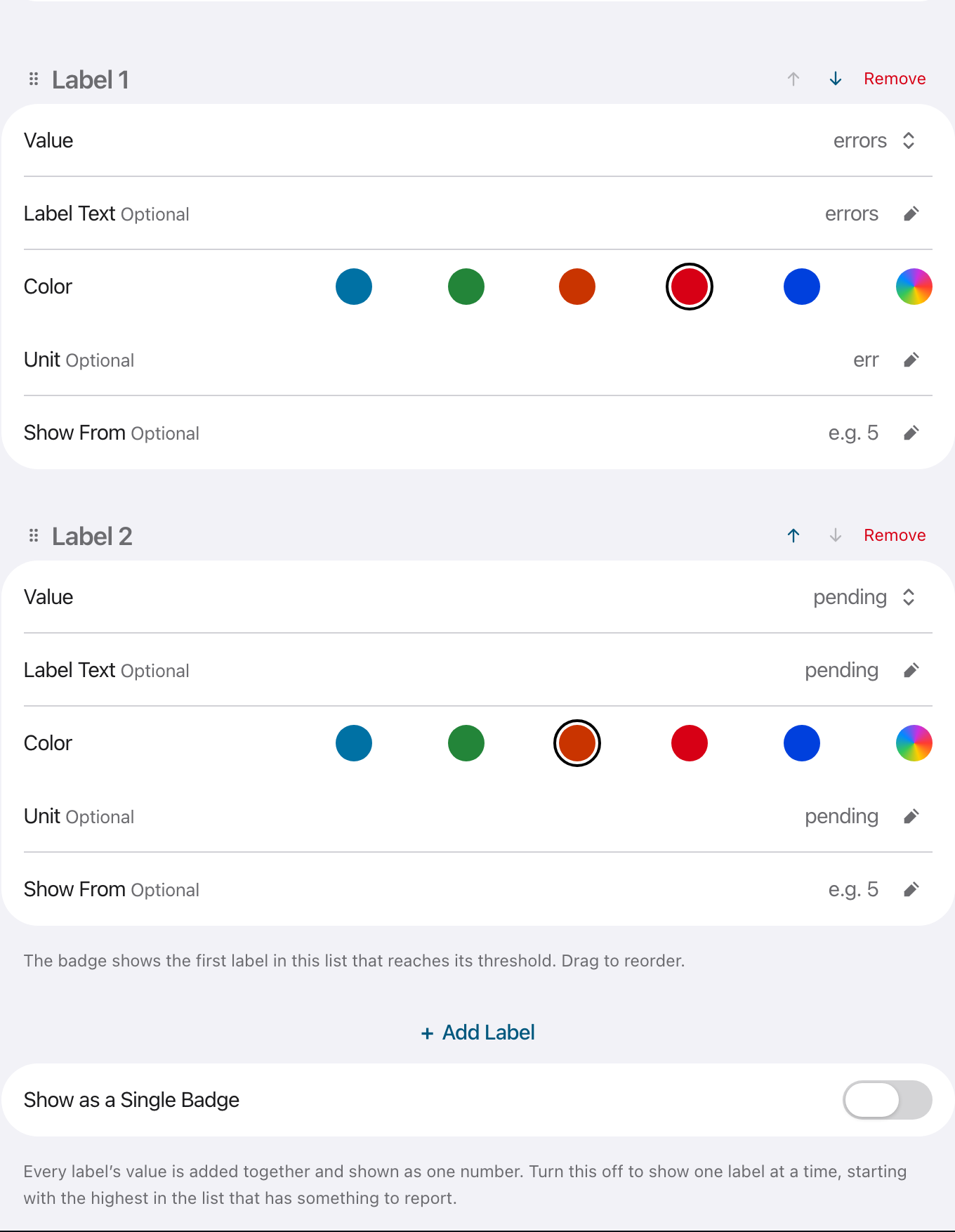
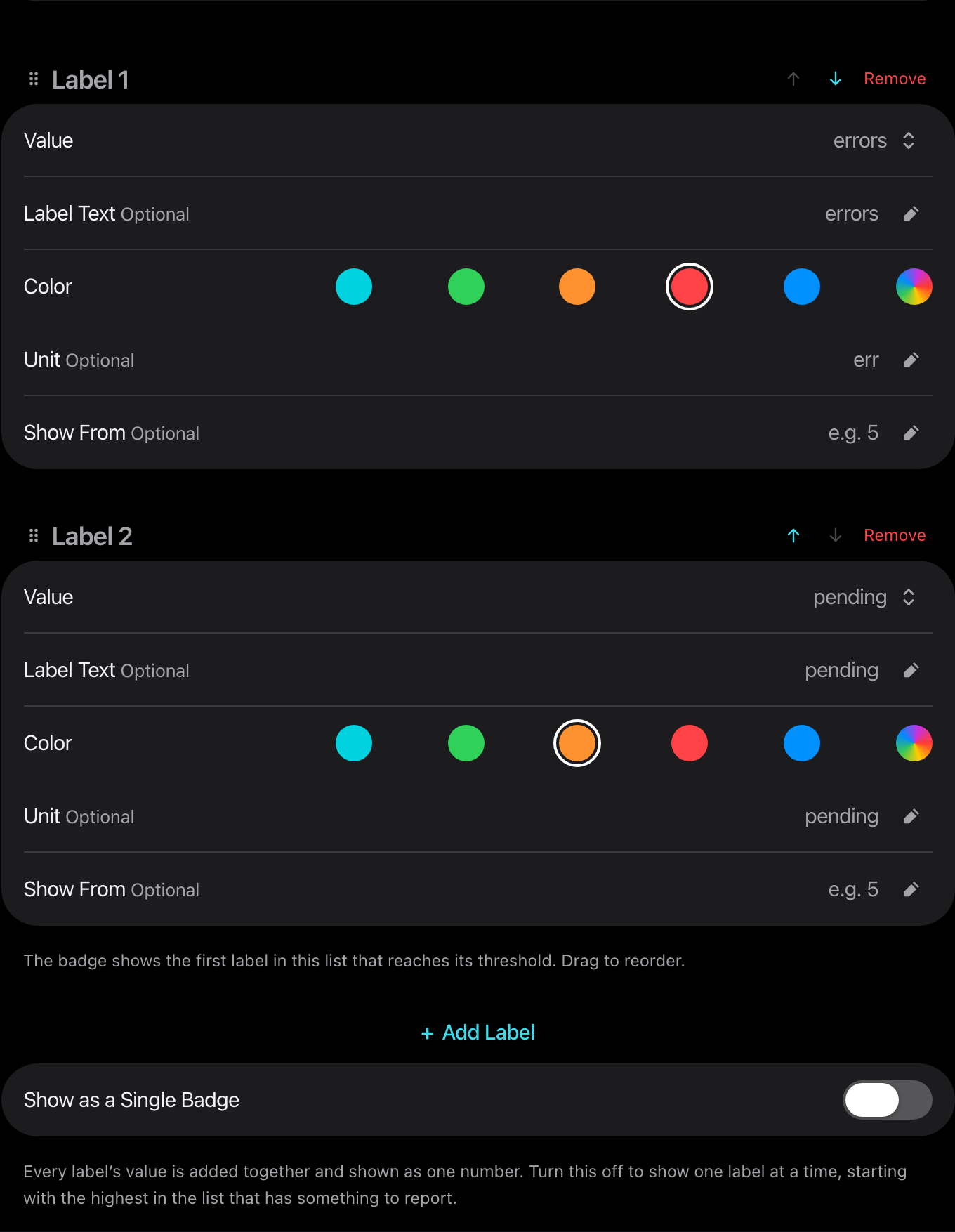
- Show From keeps a value hidden below that count.
- The tile shows the first value that has something to report. A second pill behind it means more.
- Hover, tap or focus the badge to list all values.
- Show as a Single Badge adds them into one number.
Counts above 99 show as 99+.
When an app has more than one
Section titled “When an app has more than one”A tile draws one badge. If an app has a health check, a fixed label and live activity together, the tile shows the first that applies:
| Order | Badge | When it shows |
|---|---|---|
| 1 | Health problem | The service is down. It hides everything else, so a fault is never masked by a number. |
| 2 | Live activity | A value has reached its Show From. |
| 3 | Fixed label | Nothing above applies. |
| 4 | Healthy dot | The service is up and nothing else shows. Hidden by Hide Healthy Badge. |
The others stay available in the list that opens on hover or tap.
A folder shows the badge of the app inside it that is reporting.
Stale values
Section titled “Stale values”When a poll fails, the last value stays on the tile, dimmed with a dashed outline. A failed poll never reads as zero.